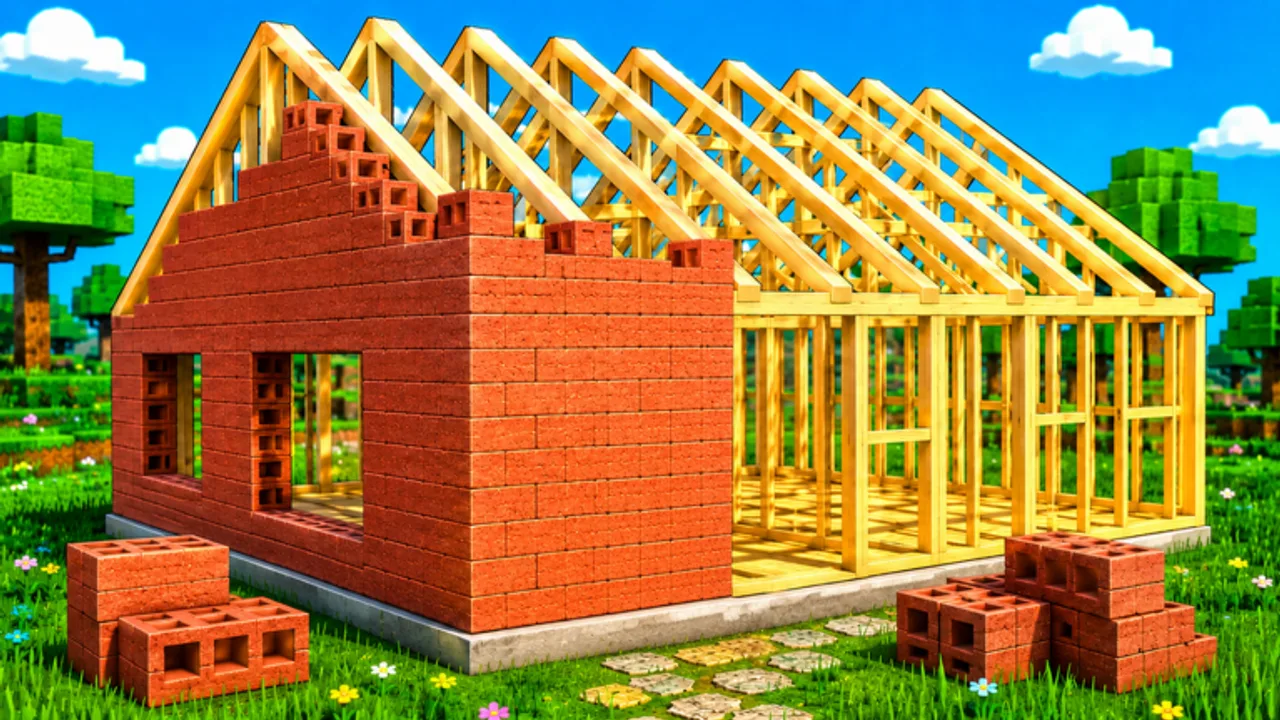
Build a House Wiki
Roblox codes, upgrade priorities, and brick-by-brick guides for Build a House.
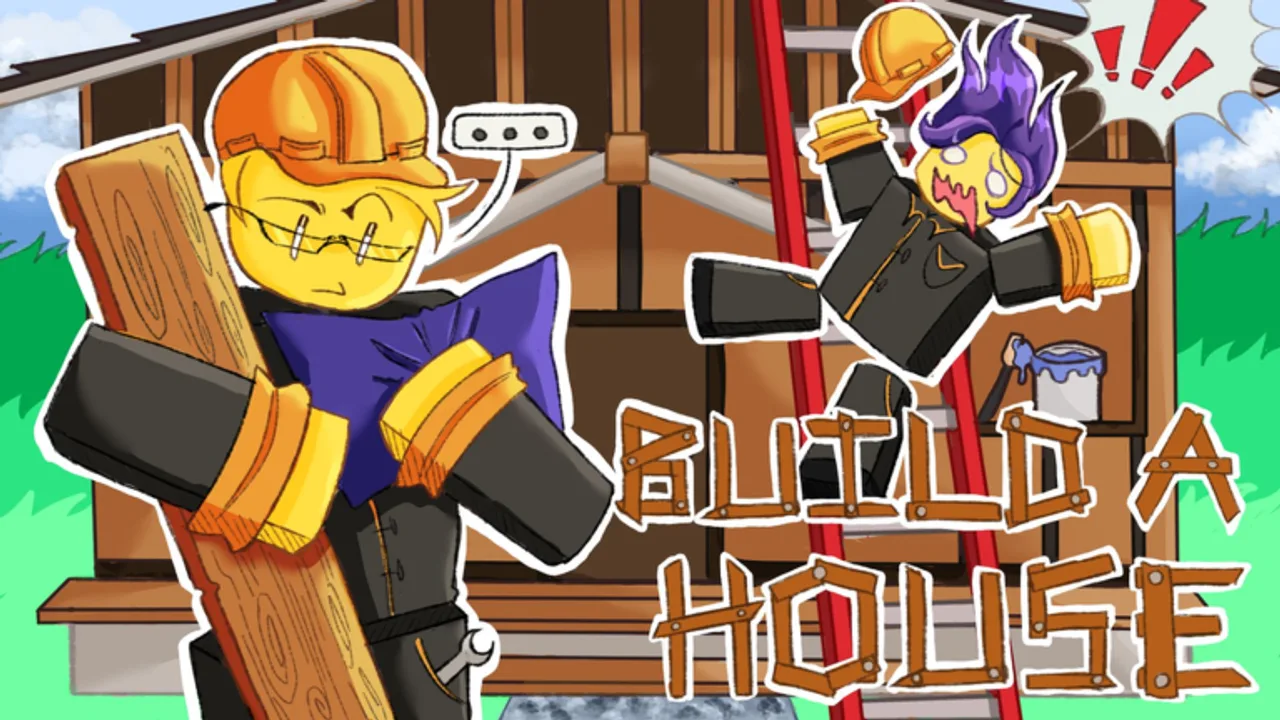
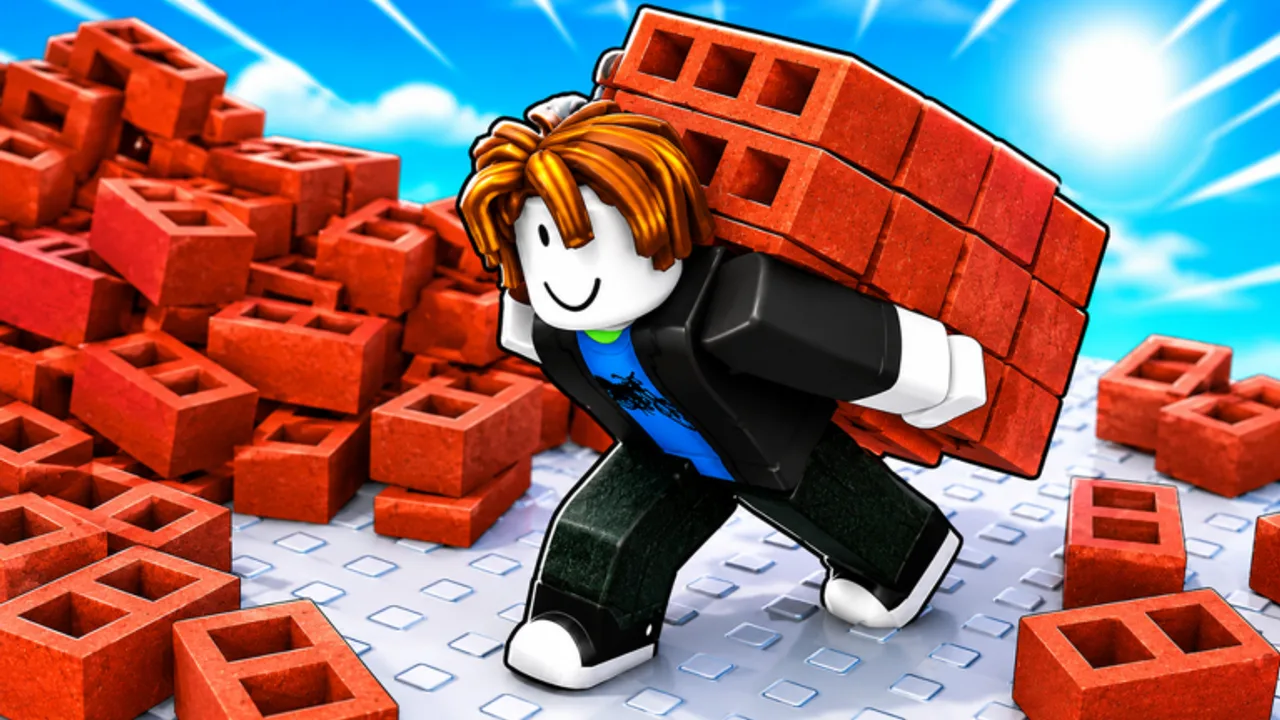
- 2.1M+
- Total visits
- 5K+
- Playing now*
- 11K+
- Favorites
- 0 codes
- Verified active
Hubs for codes, guides, controls, upgrades, tools, and updates.
Codes Hub
Build a House Roblox codes hub: active rewards, redeem steps, and where to watch for new drops. None verified yet.
Read guide GuidesGuides Hub
Build a House Roblox guides hub: how to play, tips, cash economy, beginner mistakes, multiplayer, and leaderboards.
Read guide ControlsControls Hub
Build a House controls hub for Roblox: PC hotkeys, mobile tips, and settings that keep brick placement smooth.
Read guide UpgradesUpgrades Hub
Build a House upgrades hub: priority tiers for carry, capacity, tools, and early-game spending without fake prices.
Read guide ToolsTools Hub
Build a House tools hub for Roblox: shop guidance, carry planning tables, and upgrade-category spending advice.
Read guide ScriptsScripts Hub
Build a House scripts hub on Roblox: an honest empty list, account safety tips, and why manual play is still enough.
Read guide UpdatesUpdates Hub
Build a House updates hub for Roblox: release baseline facts, patch recheck checklist, and official note links.
Read guide LinksLinks Hub
Build a House official links hub: Roblox place URL, Place a Brick context, and trusted wiki page destinations.
Read guideLearn the loop, place faster, and finish your house with clear priorities.
Codes Hub
Build a House Roblox codes hub: active rewards, redeem steps, and where to watch for new drops. None verified yet.
Read guide UpgradesUpgrades Hub
Build a House upgrades hub: priority tiers for carry, capacity, tools, and early-game spending without fake prices.
Read guide GuidesHow to Play
How to play Build a House on Roblox: collect bricks, place them, earn cash, buy upgrades, and finish your house.
Read guide UpgradesUpgrade Priority
Build a House upgrade priority: spend cash on capacity, carry speed, and tools in the right order for faster houses.
Read guide UpdatesAugust 2026 Status
Build a House August 2026 status: Aug 5 update window, 2.1M+ visits, 11K+ favorites, and a player recheck checklist.
Read guide GuidesPlace Bricks Faster
Place bricks faster in Build a House: click cadence, carry upgrades, capacity tips, and focus habits that stack.
Read guide GuidesComplete Your House
Complete your Build a House Roblox build: pacing from empty plot to finished house, upgrades, and shop timing.
Read guide GuidesEssential Tips
Build a House Roblox tips: session habits, cash discipline, hotkeys, and focus tricks that finish houses faster.
Read guide GuidesFocus & ASMR Sessions
Build a House focus guide for Roblox: satisfying ASMR-style sessions, click rhythm, Settings comfort, and distraction control.
Read guideNew to Build a House? Follow these steps on your first plot.
- 1
Join the official place
Open Build a House on Roblox (place 90038414385014) and claim your empty plot from Place a Brick.
- 2
Collect bricks, then place
Gather bricks and click (or tap) to place them. Earn cash as the house grows—this is the core satisfying loop.
- 3
Open upgrades and the shop
On PC press U for Upgrades and Q for Shop. Spend on capacity, carry speed, or tools when a bottleneck is clear.
- 4
Push to a finished house
Batch collect-and-place cycles, avoid menu dithering, and follow completion pacing until the build is done.
- 5
Check leaderboards and updates
Compare progress on leaderboards, recheck codes after patches, and return to the wiki hubs when systems change.
Build a House FAQ
Quick answers about Build a House on Roblox.
What is Build a House?
A Roblox building experience by Place a Brick where you collect bricks, place them, earn cash, buy upgrades, complete houses, and climb leaderboards.
Are there working promo codes?
Not that we have verified yet. See the Codes hub for live status and redeem help when drops appear.
Which languages are supported?
This wiki supports: English, Français, Deutsch, Español, Português (BR). Configure locales in site.meta.json and run npm run generate:i18n.
What are the PC controls?
Click to place bricks, U opens Upgrades, Q opens Shop, and T opens Settings. Full notes are on the Controls pages.
Do I need scripts to play?
No. This wiki lists no scripts for Build a House. Manual collect-and-place play is the recommended path.