How to Place Bricks Faster in Build a House
Tighten collect-and-click cycles so every session builds more house.
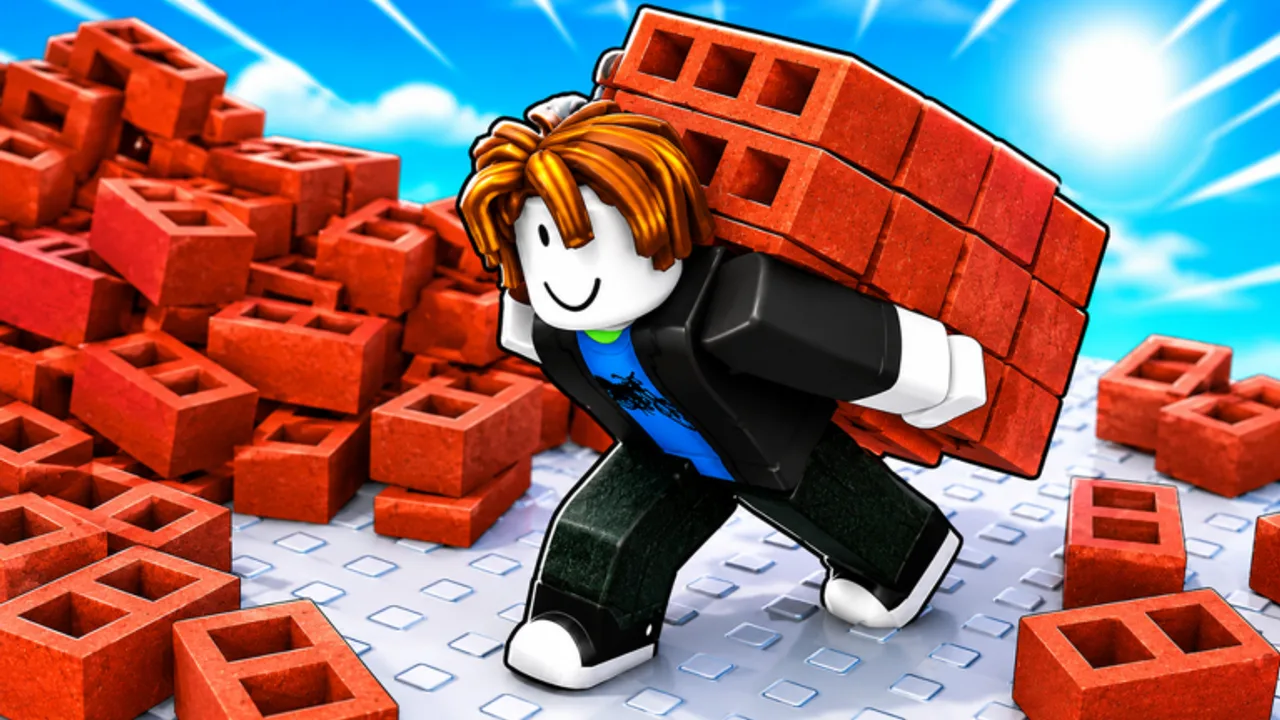
Speed in Build a House is not about cheating the click—it is about removing friction between collecting bricks and placing them cleanly. This guide focuses on habits and upgrade categories that make the satisfying placement loop feel snappier.
Measure the real bottleneck
Before spending cash, name the slowdown:
- Travel time between brick sources and the house → carry speed style upgrades
- Too few bricks per trip → capacity upgrades
- Clumsy placement or gathering → tools from upgrades or the shop
- Misclicks and camera fights → settings, posture, and UI comfort (Controls Hub)
- Menu dithering → batch your U / Q decisions instead of opening shops every ten seconds
Guessing wrong wastes cash. The Carry planner has simple tables for thinking in categories when numbers are uncertain.
Click cadence that stays accurate
Fast misclicks create undo work. Aim for a rhythm you can sustain:
- Line the camera so the next brick target is obvious.
- Place in short bursts, then micro-adjust the camera.
- Avoid dragging attention to other players’ plots mid-burst—save sightseeing for breaks (Multiplayer).
- On PC, keep one hand ready for U / Q / T without abandoning the mouse cadence. See PC controls.
- On mobile, use a stable grip and large tap targets—see Mobile controls.
Accuracy first, then speed. A clean brick is faster than two corrections.
Collect → place as a single cycle
Treat gathering and placing as one loop, not two hobbies:
- Collect until capacity feels full (or until the walk-back is still short)
- Place until the stack is gone
- Only then open upgrades if cash jumped meaningfully
Opening the shop mid-stack breaks flow. Park menu time between cycles. How to play covers when those menus matter in the bigger session plan.
Upgrades that usually help placement pace
Without inventing names or prices, prioritize in this spirit:
- Capacity if you walk half-empty
- Carry speed if the path time dominates
- Tools if the act of collecting or placing feels mechanically stiff
- Comfort / QoL shop picks only after the above feel fine
Deeper ranking notes live in Upgrade priority, Early-game upgrades, and Tools tier thoughts.
Environment and focus
Build a House leans into satisfying, almost ASMR building. Lean into that:
- Lower distracting music if it masks click timing (Settings via T on PC)
- Use headphones if soft building audio helps your rhythm
- Play on a stable frame rate—choppy sessions feel “slow” even with upgrades
- Take short breaks; fatigue creates misclicks that erase speed gains
Session drills (10 minutes)
- Two cycles with zero menu opens—pure collect and place.
- One upgrade spend in a single category only.
- Two more cycles measuring whether trips feel shorter or fuller.
- Optional: peek at leaderboards only after the drill.
Tie-ins for finishing sooner
Faster placement feeds How to complete your house. If cash is the limiter rather than clicks, pivot to Shop planning. Codes are not required—and none are verified yet on the Codes Hub.
Sibling guides: How to play, Multiplayer, and the full Guides Hub.
Speed without panic
Faster placement is a calm skill. If a session feels frantic, slow the click rhythm for two minutes, then rebuild cadence. Pair mechanical work with Essential tips and economy sense from Cash & economy. Upgrades amplify good timing; they rarely fix chaotic timing alone.
Hardware and comfort footnotes
A slippery mousepad or overheating phone can fake a “slow game.” Fix comfort before you blame the upgrade tree. Settings via T can help; so can a calmer grip.
Frequently Asked Questions
Quick answers about Build a House on Roblox.
What should I upgrade first to place faster?
Fix your bottleneck: capacity if trips are tiny, carry speed if walking dominates, tools if the action feels clumsy. See [Upgrade priority](/tier-list/upgrade-priority/).
Do scripts make placing faster?
This wiki does not list scripts for Build a House. Automations can risk accounts—read [Scripts](/scripts/) for safety notes only.
Does multiplayer slow me down?
Distraction can. Use [Multiplayer tips](/guides/multiplayer/) to stay on your plot during placement bursts.
Can settings really affect speed?
Yes—camera comfort and audio distraction change misclick rates. Check [Controls](/controls/) and Settings (**T** on PC).