How to Find Build a House Codes
Where to watch for real drops—and how to ignore generators and fake lists.
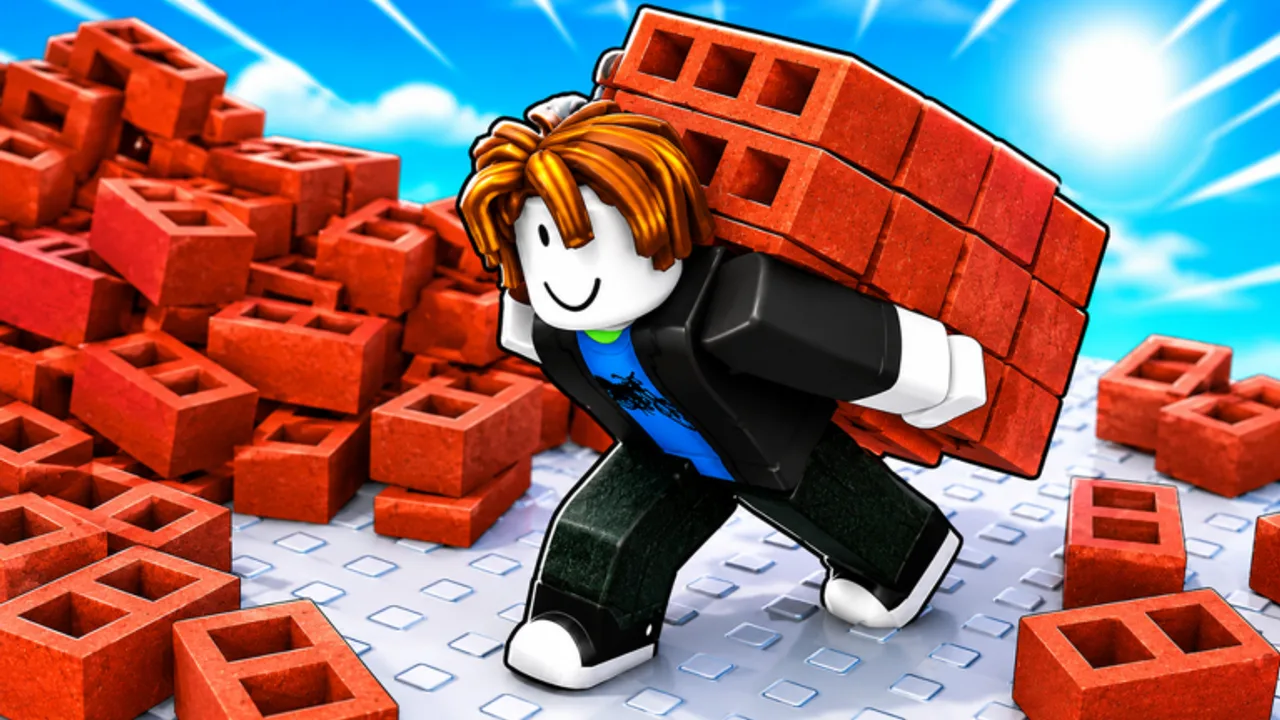
When Build a House starts shipping promo codes, the winners are players who check trustworthy channels first. This page explains how to find new codes for the Place a Brick experience without falling for fake “unlimited cash” lists.
Reality check first
This wiki currently lists zero verified codes on the Codes Hub. Finding codes therefore means building a watch routine, not scraping dead pastebins. If someone promises dozens of working codes today, treat that claim as unverified until it appears here or on an official Place a Brick / Roblox channel.
Best places to watch
1. The official Roblox experience page
Open Build a House and read the description and recent update notes. Developers often hide codes in all-caps strings, spaced letters, or “join the group” milestones. Universe ID for this place family is 10458789587—useful when confirming you are in the right experience.
2. The Place a Brick Roblox group
Group shoutouts and wall posts are classic code drop spots. Join the group if you want shout notifications, but never pay strangers for “group unlock codes.”
3. Patch and event timing
New experiences often add codes around launch anniversaries, visit milestones, or content updates. Pair this page with the Updates Hub after every patch. If notes mention rewards or social codes, cross-check here before redeeming via How to redeem.
4. This wiki’s Codes Hub
We only publish verified entries. Bookmark Build a House codes instead of relying on a dozen SEO spam blogs that copy each other.
Red flags that mean “skip”
- Sites asking for your password, backup codes, or .ROBLOSECURITY cookie
- “Code generators” with countdown timers and survey walls
- Discord DMs from “admins” offering free codes if you verify a token
- Lists with twenty codes that all fail instantly
- Anyone selling Roblox codes for real money without an official storefront
If a source trips any of those flags, close it and keep playing the real loop: collect bricks, place them, earn cash, buy upgrades/tools from the shop, and finish the house.
A practical weekly routine
- Play a normal session using How to play habits.
- Skim the Roblox game page description for new all-caps strings.
- Check Place a Brick group shoutouts.
- Open this wiki’s Codes Hub and Updates.
- If a candidate appears, redeem once using How to redeem, then return to building.
That routine takes minutes and beats doomscrolling fake lists.
Codes vs progression
Codes—if they arrive—are accelerators. They do not replace:
- Faster placement habits in How to place bricks faster
- Cash spending plans in Upgrade priority and Early-game upgrades
- Tool and shop planning in Tools Hub and Shop
- Completion pacing in How to complete your house
Servers hold up to 15 players, so social proof on a leaderboard does not prove a code works—someone else’s progress is usually skill and time on the plot.
Sibling code pages
- Codes Hub — live verified list (empty until real drops)
- How to redeem Build a House codes — claim flow and error fixes
Also useful: PC controls if you need Settings (T) while hunting HUD buttons, and the Links Hub for official destinations only.
Stay skeptical, stay on official channels, and let this wiki stay empty until a code is real.
Stay skeptical, stay ready
Build a House may add codes later for milestones or events. Until a string is verified on this wiki, treat every collage as entertainment. Bookmark the Codes Hub, pair it with Updates, and keep progressing with placement and upgrades so a future drop is a bonus—not a dependency.
Frequently Asked Questions
Quick answers about Build a House on Roblox.
Where do Build a House codes usually appear?
Typically on the Roblox experience page, Place a Brick group posts, or update notes. Cross-check the [Codes Hub](/codes/) before redeeming.
Are TikTok code compilations trustworthy?
Often not. Many recycle expired or invented strings. Prefer official channels and this wiki’s verified list.
What if I find a code that is not listed here?
Test it carefully in-game only. If it works, recheck the [Codes Hub](/codes/) after our next update pass.
Do codes require group membership?
Sometimes on Roblox. If a future code is group-gated, we will note it on the hub when verified.