Essential Build a House Tips
High-impact habits that keep the collect → place → cash loop smooth.
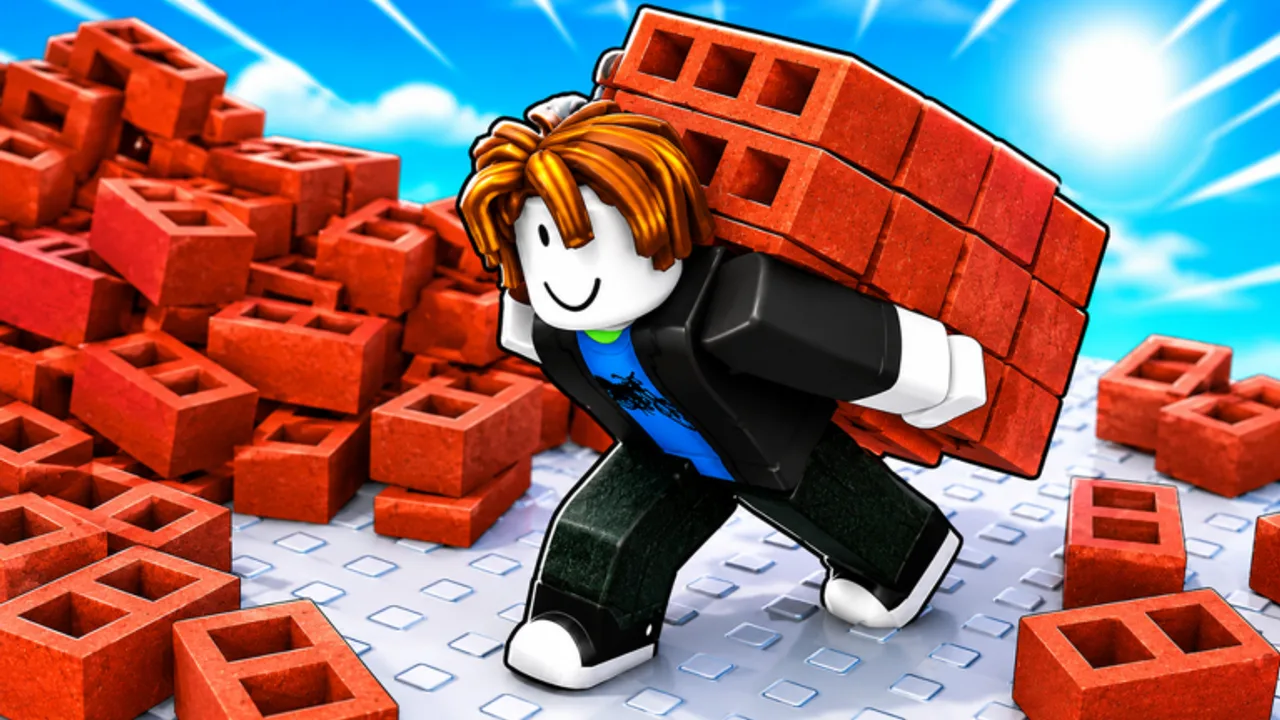
Build a House rewards calm, repeatable habits more than random shop spam. These tips compress what strong sessions share on Place a Brick’s Roblox experience—without inventing fake upgrade names, prices, or codes.
Tip 1 — Name the bottleneck before you spend
Cash is fuel. Before you open U (Upgrades) or Q (Shop), say out loud what hurt the last cycle: empty hands too soon, long walks, clumsy collect/place, or menu dithering. Then buy only in that category. Deep ranking lives on Upgrade priority and Mid-game upgrades.
Tip 2 — Batch menus between cycles
Opening shops mid-stack kills the satisfying rhythm. Collect → place until the stack is gone, then open menus once. How to place bricks faster explains the cadence; PC controls keeps U / Q / T under your left hand.
Tip 3 — Protect click accuracy first
A clean brick beats two corrections. Line the camera, place in short bursts, micro-adjust, repeat. On mobile, use a stable grip and large tap targets—see Mobile controls.
Tip 4 — Treat Settings as a performance tool
Press T when audio or UI fights your timing, then close Settings and build. Full notes: Settings guide. Place a Brick markets the game with #Satisfying / #ASMR—lean into quiet focus when it helps your click rhythm.
Tip 5 — Use multiplayer for pace, not tourism
Servers hold up to 15 players. Glance at other plots for inspiration between cycles, not during placement bursts. Etiquette and focus: Multiplayer tips.
Tip 6 — Finish phases beat endless shopping
Late sessions stall when every coin becomes “one more upgrade.” Set a completion phase and stop shopping unless a hard bottleneck remains. How to complete your house and Cash & economy cover that discipline.
Tip 7 — Recheck after patches
The experience was last updated 2026-08-05 (Roblox universe metadata). After patches, re-verify hotkeys, shop layout, and upgrade feel—start at the Updates Hub and the August 2026 status snapshot.
Tip 8 — Ignore unverified codes and scripts
No promo codes are verified yet (Codes Hub). No scripts are listed (Scripts Hub). Neither is required to finish a house.
Watch a brick-by-brick session
Prefer video? The walkthrough below shows a literal Roblox house built brick by brick. Use it beside these tips, then return to your plot and run two clean cycles with zero menu opens.
Quick session checklist
- Two cycles, no menus.
- One category spend only.
- Two more cycles to test the buy.
- Optional leaderboard glance—Leaderboards.
- Push the next house phase—How to play if you need the full loop again.
Avoid the traps on Beginner mistakes. Official place only: Build a House on Roblox.
Why these tips stack
Build a House looks simple from the outside—click bricks, watch a house grow—but the difference between a frustrating hour and a satisfying one is almost always habit quality. Place a Brick designed a loop that rewards calm repetition: collect, place, earn, upgrade, finish. Tips that protect that loop compound; tips that interrupt it (constant shopping, unverified code hunting, tourism mid-burst) subtract.
Use this page as a pre-session reminder. Skim the eight tips, pick two to emphasize today, and ignore the rest until tomorrow. Pair with Beginner mistakes if you keep stalling, and Cash & economy if your inventory of purchases is growing faster than the house on your plot. When the Roblox description or Place a Brick channels mention new systems after a patch, return here and re-rank which tip matters most for the new bottleneck.
Official play link stays the same: join place 90038414385014 only through Roblox, then build.
Frequently Asked Questions
Quick answers about Build a House on Roblox.
What is the single best tip for Build a House?
Fix one bottleneck per spend, and keep menus between collect → place cycles—not inside them.
Do I need codes to progress faster?
No verified codes exist yet. Upgrades and clean placement habits matter more—see [Codes](/codes/).
Which page helps with spending order?
Use [Upgrade priority](/tier-list/upgrade-priority/) and [Cash & economy](/guides/cash-guide/).
Where are Settings tips?
See the [Settings guide](/controls/settings/) (T on PC).